Your Gear, Your Sound, Your Stage.
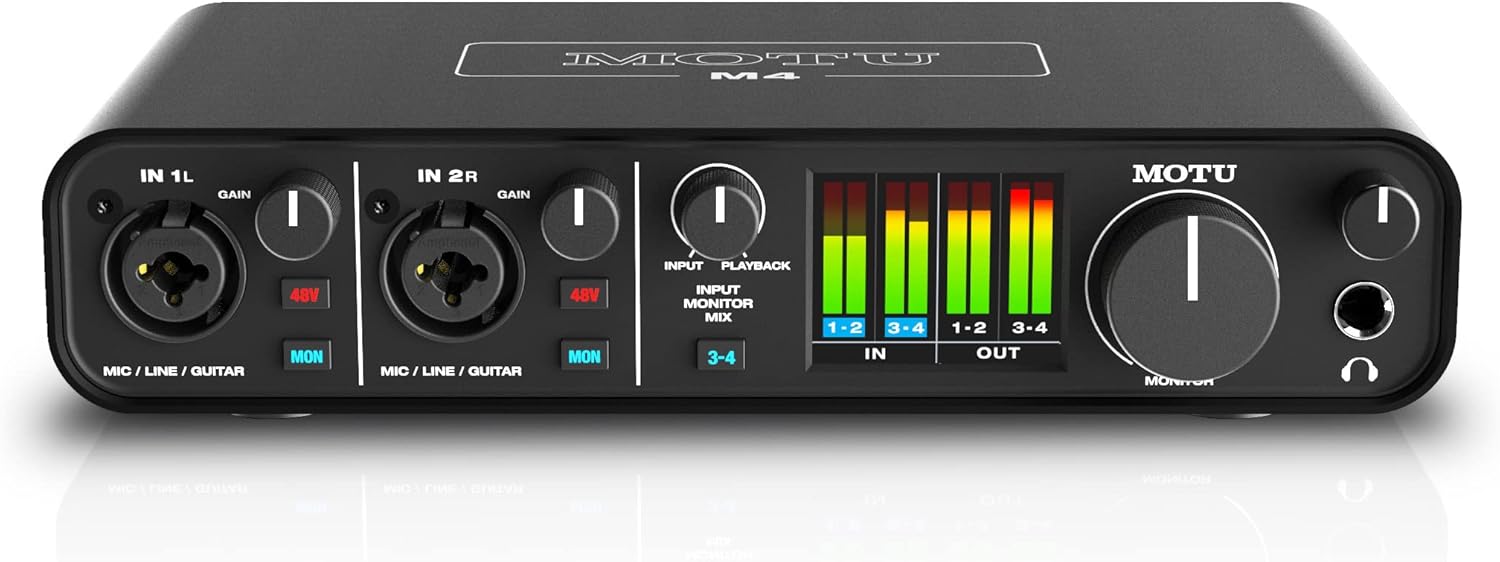
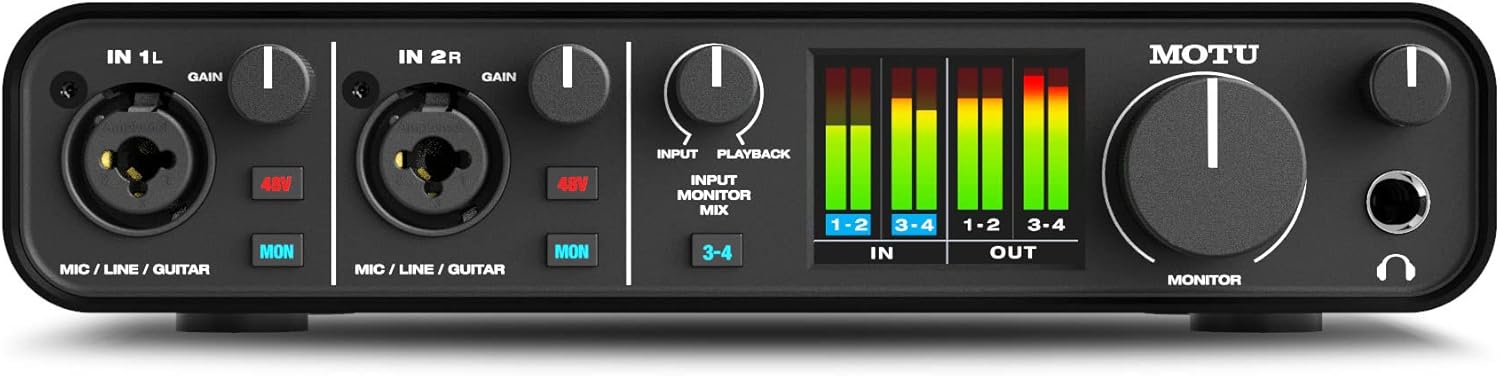



MOTU® M4 4×4 USB-C Audio Interface Review & Features
$269.95
" When you click on a product button or link on our website and make a purchase, you'll be redirected to a secure retailer website to complete your transaction. We have partner with some of the best online musical retailers. As an Affiliate, we earn a small commission from qualifying purchases at no additional cost to you. This helps support our website and allows us to continue providing great content. Thank you for your support! "
Description
Product Description
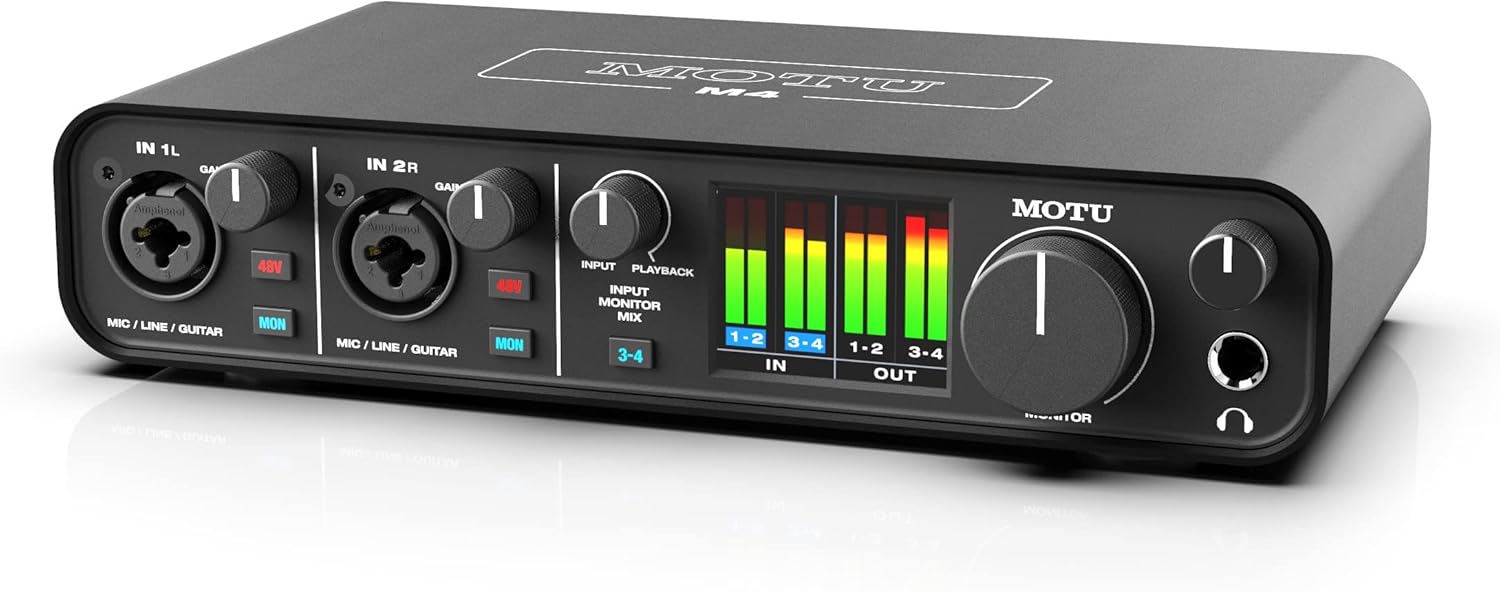
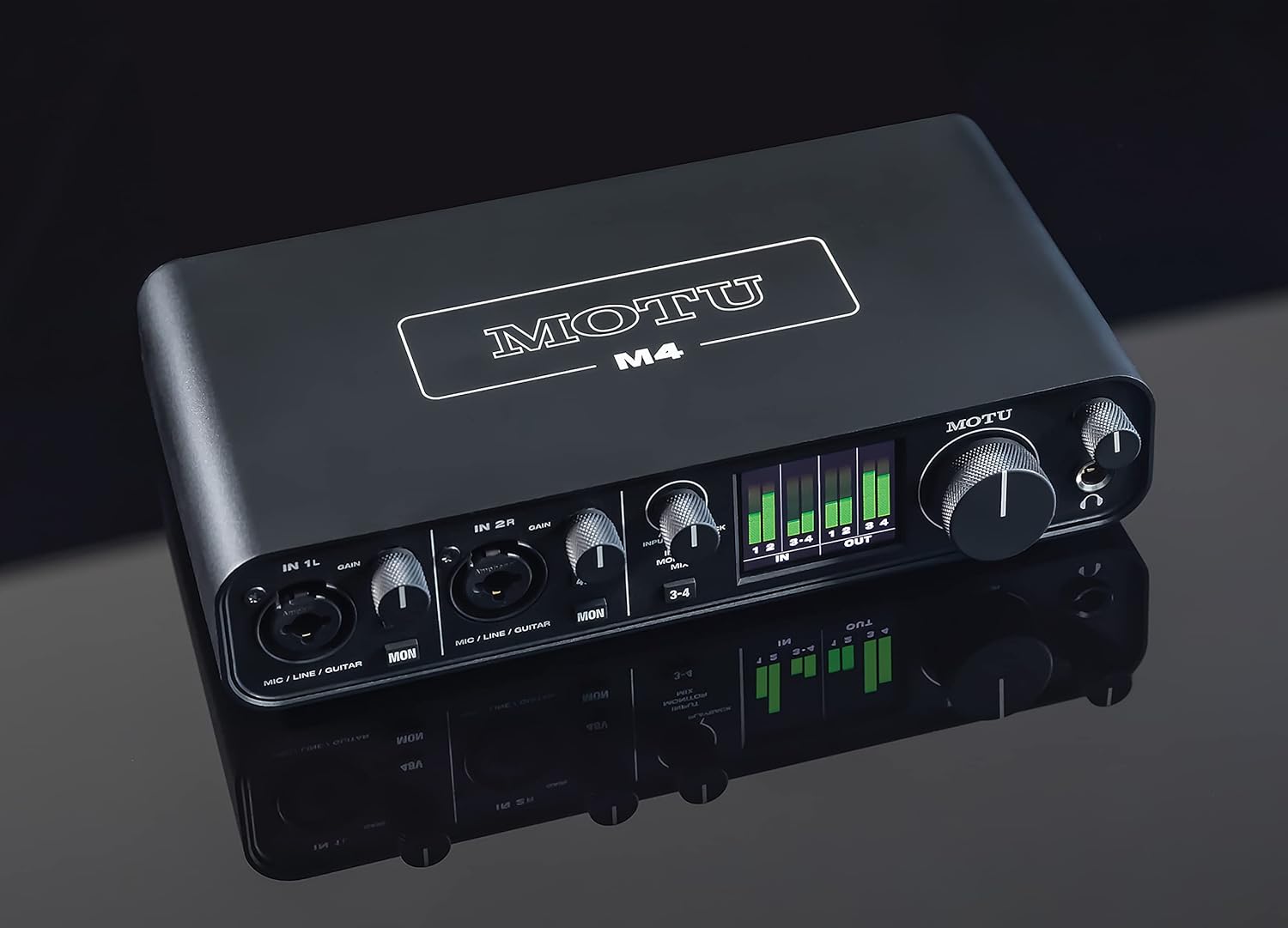
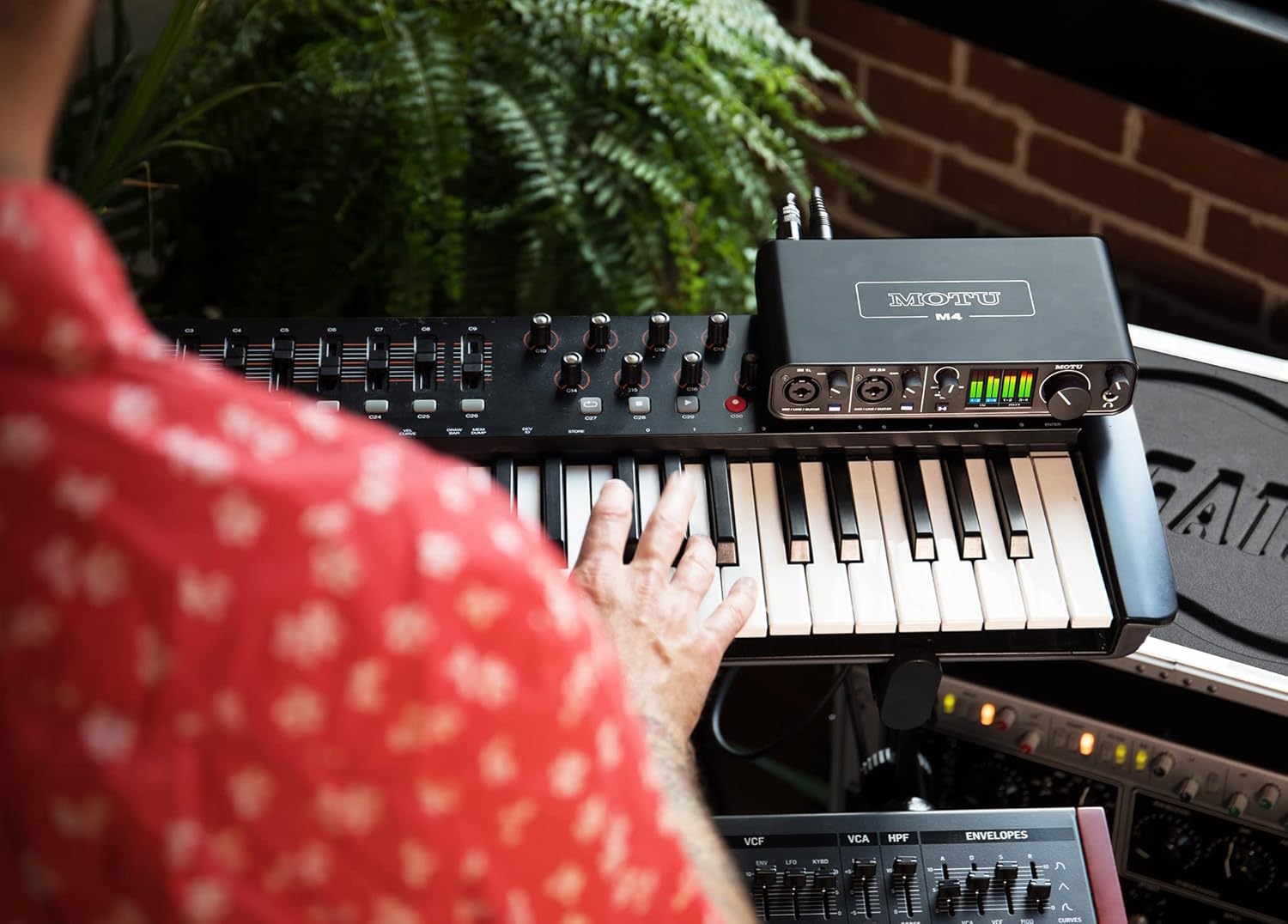
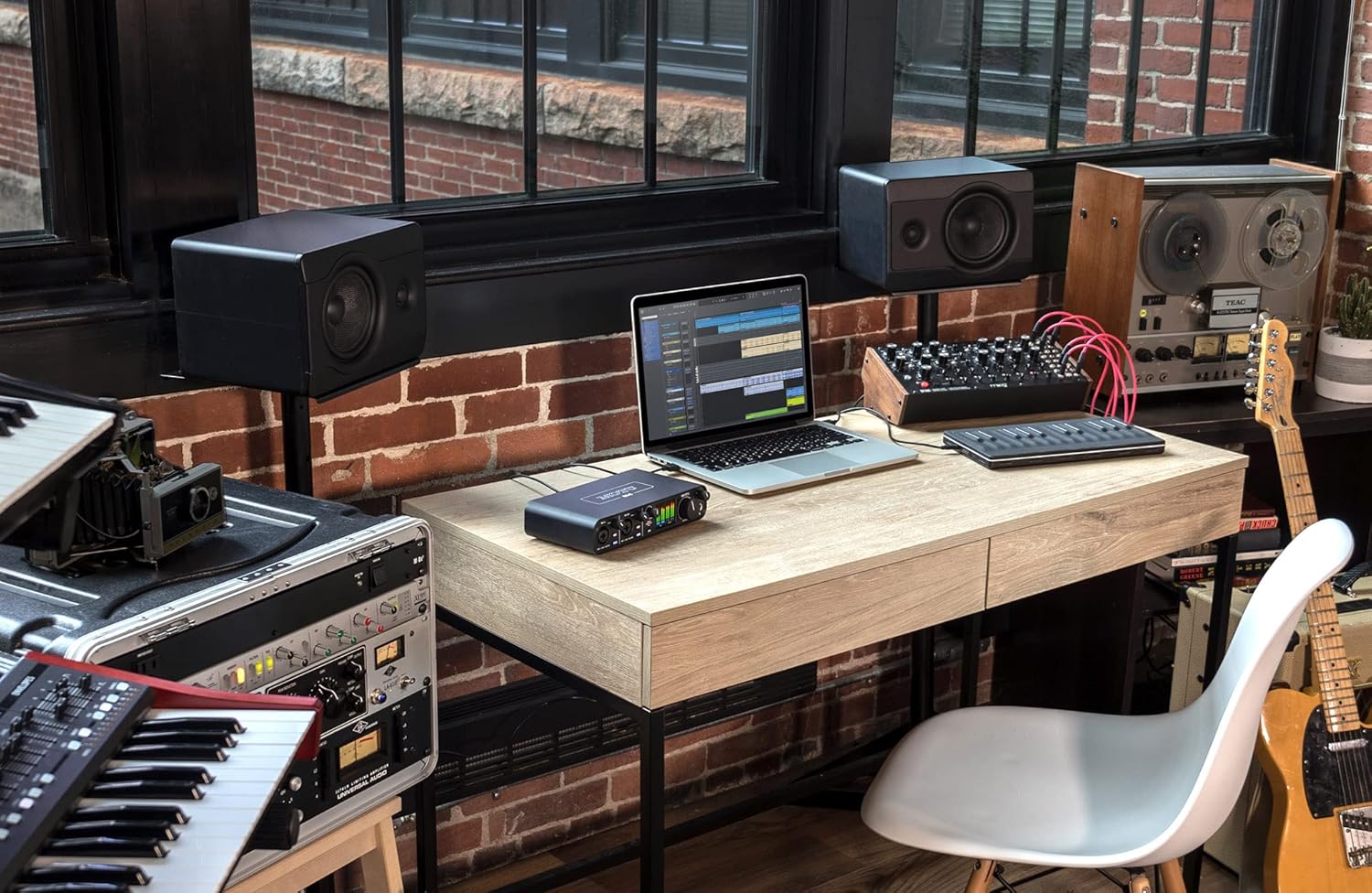
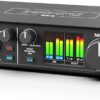
The MOTU® M4 is a premium 4-in/4-out USB-C audio interface designed for musicians, podcasters, and live streamers who demand top-notch audio quality and precision. With state-of-the-art ESS Sabre32 Ultra DAC Technology, this device brings studio-grade sound to your home or studio setup, offering a dynamic range of 120 dB on its outputs. It also features ultra-clean preamp circuits and unmatched headphone output quality, ensuring an exceptional audio experience.
Key Features
- ESS Sabre32 Ultra DAC Technology: Delivers superb analog sound similar to high-end interfaces.
- Ultra-Low Latency: Provides a round trip latency of just 2.5 ms at 96 kHz with a 32 sample buffer.
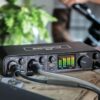
- Full-Color LCD Metering: Allows precise level monitoring for all inputs and outputs.
- High-Quality Preamps: Offers an EIN of -129 dBu for clear microphone inputs.
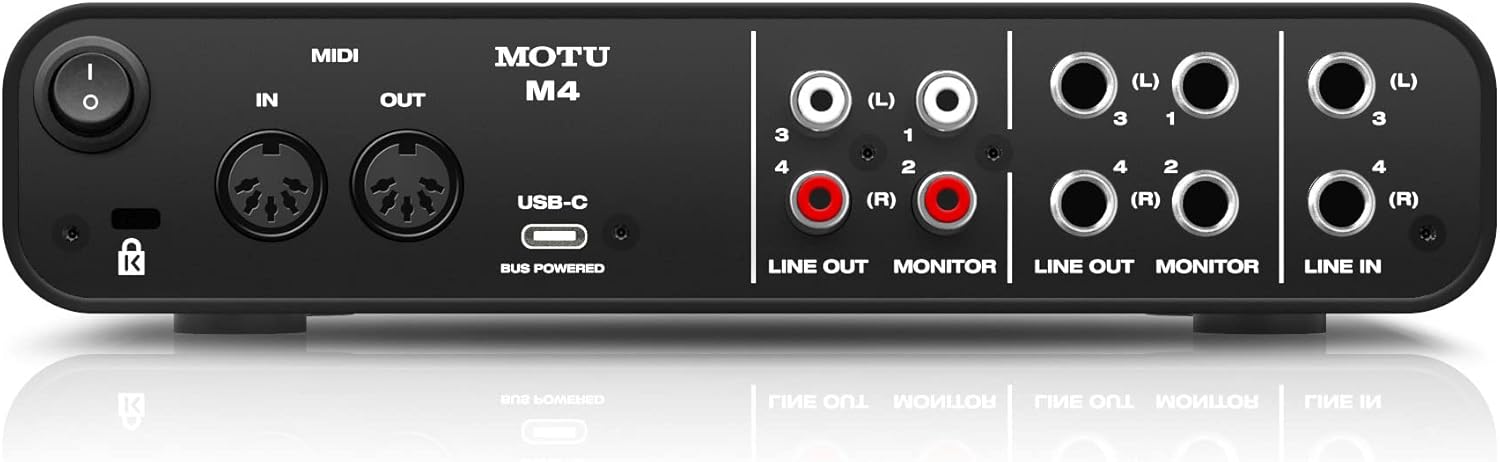
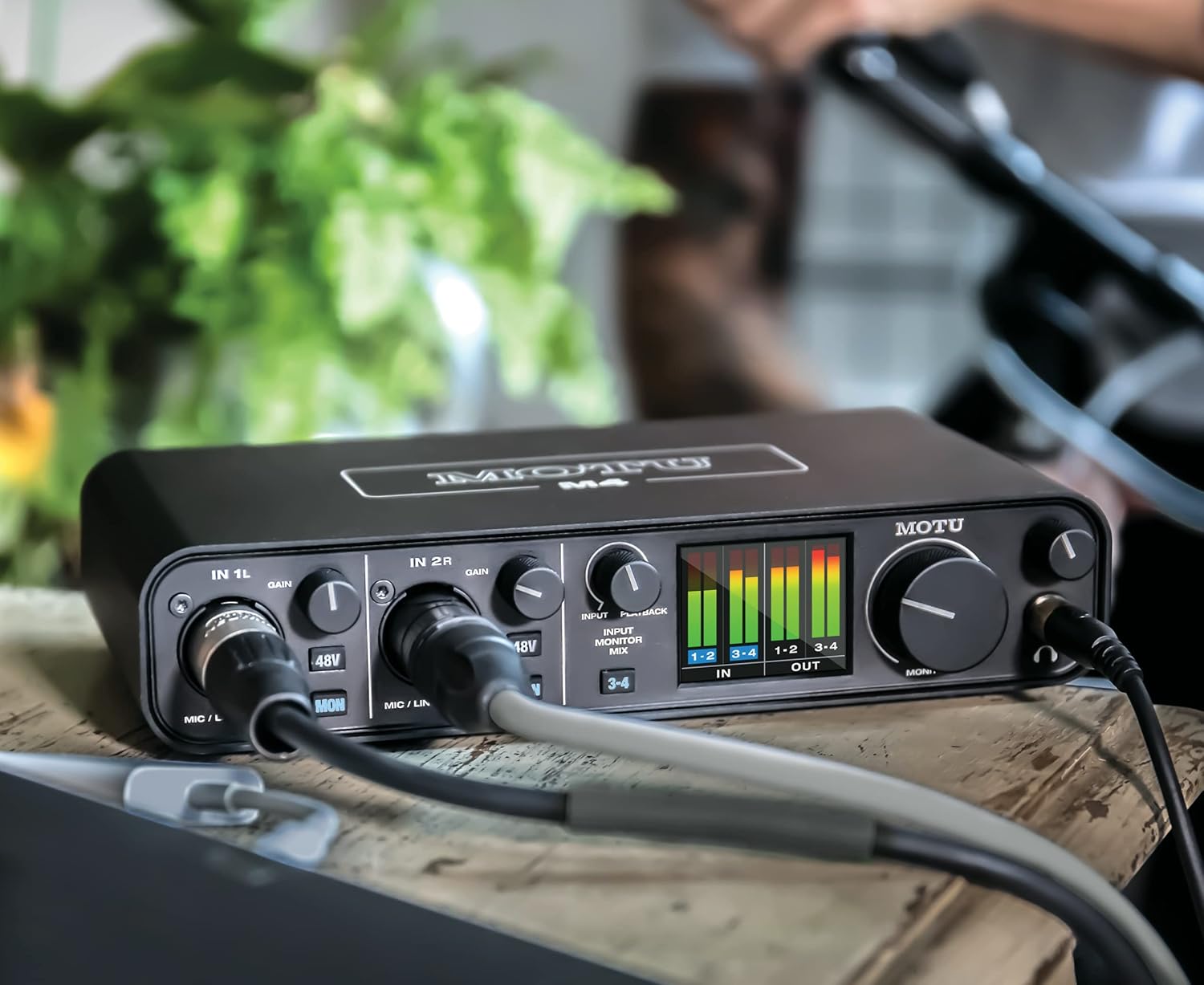
- Flexible Connectivity: Includes two mic/line/hi-Z guitar inputs, balanced line outputs, and ESS-driven headphone output.
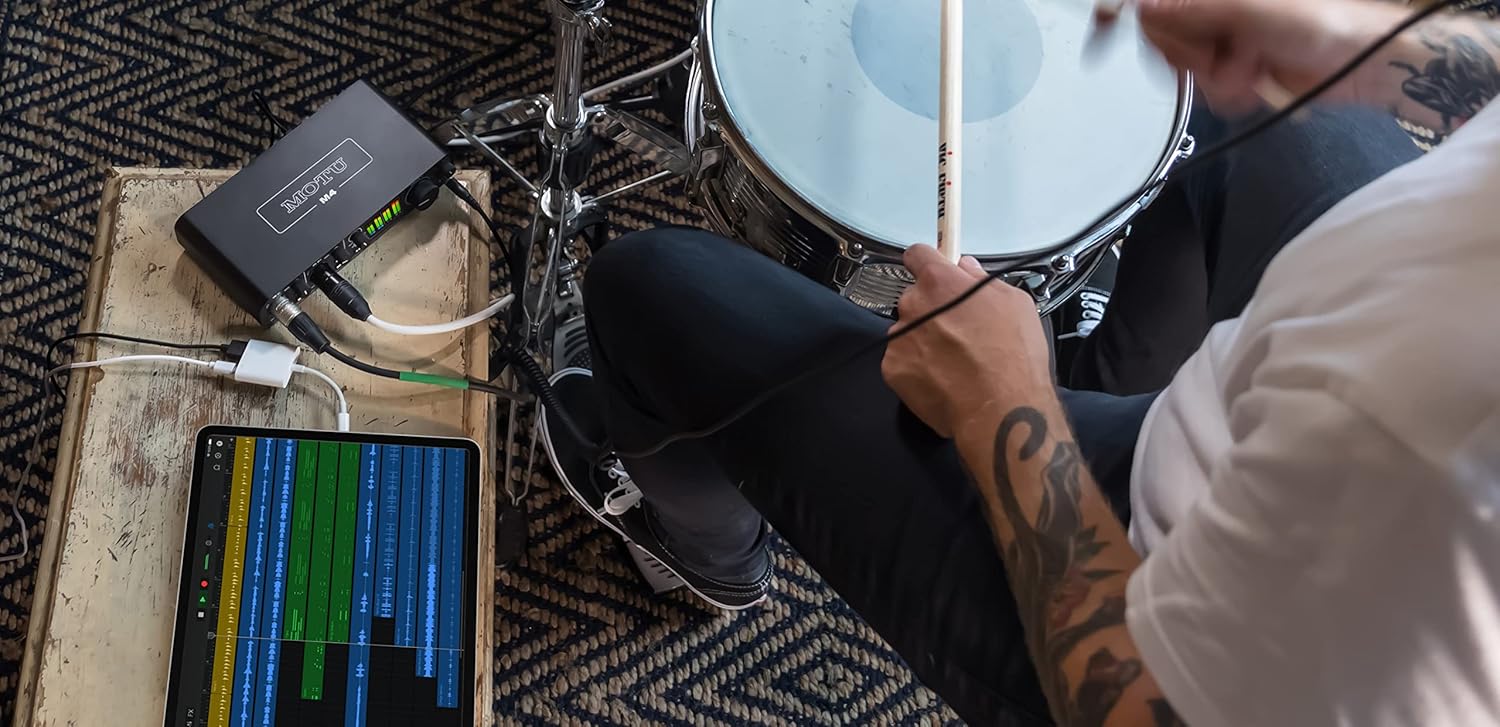
- Cross-Platform Compatibility: Supports Mac, PC, and iOS devices.
- Included Software: Comes with workstation software, virtual instruments, and loops.
Customer Feedback
5-Star Rating: ★★★★★
Alice R.: “The MOTU M4 has dramatically improved my live streams and recordings. The sound quality is phenomenal and the latency is virtually nonexistent.”
John D.: “An amazing piece of hardware for the price! The color display is a game changer for adjusting levels.”
Sara L.: “I love the sound detail and clarity. It’s perfect for my home studio, and the included software helped me start creating music right away.”
Whether you’re a seasoned audio professional or a budding podcaster, the MOTU M4 provides the quality and features you need to take your production to the next level.
Reviewer: Tyler Woods
Rating: 5.0 out of 5 stars
Title: Excellent audio interface
Review: The MOTU M4 offers independent volume control for monitors and headphones, enhancing everyday PC audio use. The LCD display helps with input levels, and ASIO drivers provide low latency. Its loopback output is great for workflows, and the front phantom power switch is a convenient touch. Simple setup and worth the expense.
Reviewer: Reasonable Person
Rating: 5.0 out of 5 stars
Title: If you need the extra I/O the Motu M4 is perfect. If you don’t, get the M2
Review: The M4 is bus-powered, with low noise and excellent preamps. It offers useful direct monitoring and loopback. The screen is a bonus, though unused often. Note: the M2 is similar with fewer ins/outs. Experienced a Windows-related glitch, resolved by disabling fast startup. Still, it’s my favorite interface with impressive latency.
Reviewer: Jonathan
Rating: 5.0 out of 5 stars
Title: Perfect for Multitasking with Rhythm Games
Review: Upgraded for better audio quality and gain. M4 reduces latency for rhythm games, allowing multitasking and screensharing. Despite initial volume concerns, adjustments made it functional for my low-volume preference. Ideal for specific setups without extra mixer clutter.
Reviewer: Cameron Watt
Rating: 5.0 out of 5 stars
Title:
Review: Solid construction with USB power. Easy MacBook setup, great for MIDI ins/outs. The screen offers better sound level representation. Useful for routing audio back for DAW sampling.
Reviewer: Cliente de Amazon
Rating: 5.0 out of 5 stars
Title:
Review: Suitable for small music setups, durable compared to Audient EVO. Works well with SM7B microphone, offering zero perceived latency in monitoring at 48000Hz.
Reviewer: Listen and Play
Rating: 5.0 out of 5 stars
Title:
Review: Great use with a USB-C to USB-C cable. The interface is intuitive for PC/Mac, with high sound quality. Display aids in setting levels. Chose it for the 4 ins/outs and MIDI.
Reviewer: Akash R
Rating: 5.0 out of 5 stars
Title:
Review: Best interface, surpassing top-line options. Clean, transparent preamps, ultra-low latency. Despite reported Windows 10 issues, performs well for me.
Reviewer: Amazon Customer
Rating: 5.0 out of 5 stars
Title:
Review: Easy to use with an excellent interface, installed extra software seamlessly.


8 reviews for MOTU® M4 4×4 USB-C Audio Interface Review & Features
You must be logged in to post a review.
Related products

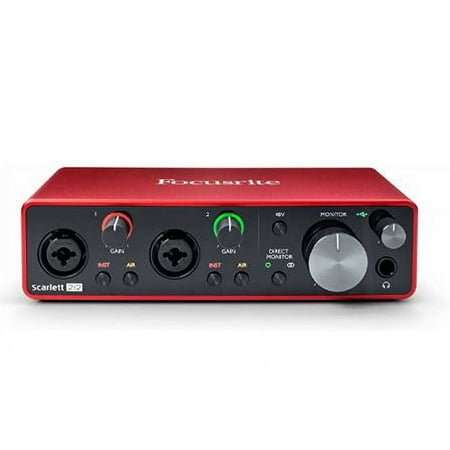
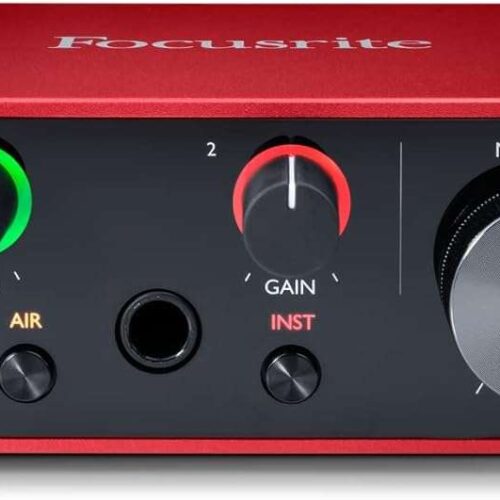
Focusrite® Scarlett™ Solo 3rd Generation USB Audio Interface
Original price was: $149.99.$119.99Current price is: $119.99.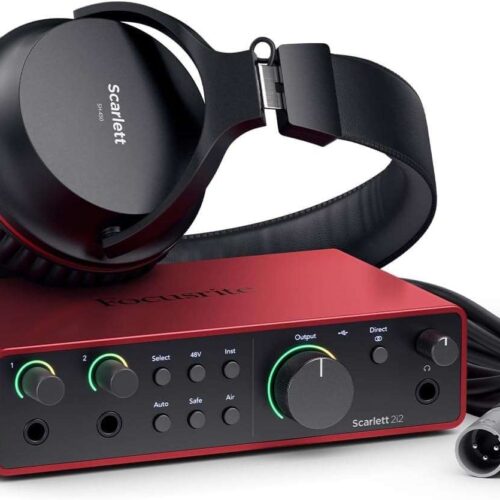
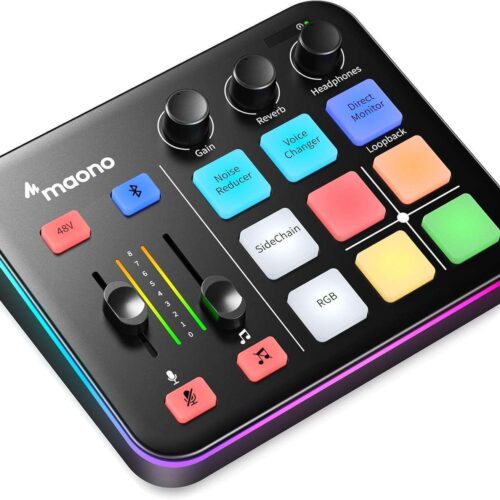
MAONOcaster G1 NEO: Pro Audio Mixer & Interface with RGB, Bluetooth & 48V Phantom Power for Streaming, Podcasting & Gaming
Original price was: $67.99.$48.99Current price is: $48.99.



Tyler Woods –
Excellent audio interface
I discovered the MOTU M series of audio interfaces when I was looking to solve a specific problem that I had. I’m using this as my primary audio input and output for my PC, driving both my monitors and headphones with independent volume control is an incredible quality of life enhancement.The LCD display for the levels is extremely helpful when I’m dialing in my gain on my input or trying to confirm that I’m speaking loud enough. The ability to mix between playback and input monitoring when monitoring your input gives a very dialed and natural experience to even normal calls, gaming, or meetings for work.I take advantage of the ASIO drivers in my DAW for low latency audio as well, and this thing fits right in. It has a dedicated loopback output in the software as well, so you can direct loopback to be captured as a source out of the box if that’s something you need for your workflow.It has an impressive array of physical inputs and outputs, to the point where I’m not even able to take full advantage of it yet in my setup.One unexpected bonus for this was that the 48V phantom power switch is on the front of the unit, where on my previous audio interface phantom power was running 24/7.With the MOTU M4, I’m able to turn off the mic’s power quite easily, leading to a much more efficient setup.It was easy to set up and remains a hassle-free component of my everyday usage of my computer. It’s a little expensive but worth every penny for me.
Reasonable Person –
If you need the extra I/O the Motu M4 is perfect. If you don’t, get the M2
After a fair bit of searching and testing, this is the best audio interface I’ve found for a home studio.The amazing parts:Usb-c to usb-a 2.0 bus powered! No dealing with an extra power cableVery low noise floor and great sounding preampsPowerful enough for most headphones but also has plenty of outputs for an additional headphone ampDirect monitoring is handyBuilt in loopback is rare on interfaces of this price and it’s very nice to haveVery low latencyCould be useful depending on use case:The screen is useful and high quality but I tend to just monitor in Ableton so I haven’t used it a whole lot. With that being said, it is still a rather nice feature to have.Usb-c is nice to have but I wouldn’t consider it a deal breaker if it had a different USB standard.The included software is nice especially if you’re just starting out.Bad:Not exactly a negative but more something to bear in mind. The Motu M2 is basically the exact same interface but with fewer inputs and outputs. If you don’t think you need the extra inputs and outputs that the M4 has, the M2 is a much better deal for you.Edit after a couple years of ownership: the Motu M4 is still my absolute favorite interface, however there is one quirk that I have found. I’m not sure whether it’s MOTU’s fault or Windows, but at least partial blame goes to MOTU considering no other interface I’ve used has had this bug. Occasionally it would output and record sound as if it had been pitch shifted (think Alvin and the Chipmunks). I believe it is some sort of clock sync error with Windows. After getting into contact with their technical support (who deserve props for not just regurgitating the same useless copy-pasted answers and actually problem solving effectively), I was presented with a simple solution: disable fast startup on your PC. Once I did that, the problem was immediately solved and has not occurred again for well over a year.Personally, I still think it’s an excellent interface and I wouldn’t hesitate to recommend it despite that bizarre quirk. Latency is still incredibly impressive and the preamps are still very clean. I’ve also come to love the monitoring screen, it’s become very difficult to go back to an interface without it.
Jonathan –
Perfect for Multitasking with Rhythm Games
Upgraded from a Focusrite Scarlett to the Motu M4 for a couple reason. I heard that this was an upgrade in terms of audio quality, which is good but it’s also just the interface, so it’s not going to be a big change. It can also give more gain to the monitoring headphones, which is something I was looking for since my headphones were starting to hit the maximum of what the Scarlett could give. The main feature I was interested in with this upgrade are the two line in inputs on the back. This is mostly meant for instruments, but I was interested in using this for rhythm games.If you’ve played a rhythm game at home before, you know that you need the lowest latency you can get with your audio. Often times, the best way to make it work is to directly connect speakers to the device or use the device’s own speakers. This works great if that’s the only thing you’re doing, but there are times where that’s not the case. I often find myself on my desktop listening to a video in the background if I’m playing casually or talking to my friends along with screensharing the game. In these cases, there are two options for listening to both at once: buy a dedicated mixer or plug the outgoing audio directly to the computer. Using a mixer does work, but I found it to be a hassle to set up. An extra usb port for power, extra wires being looped around my desk, and carefully setting everything up to not introduce any noise (admittedly, that’s probably because I went cheap on the mixer). All that just to play one game for an hour did not feel worth it. The easiest alternative is to directly connect the audio to the computer and listen to the playback, but Windows likes to introduce extra latency in the process. It’s not enough to ruin every game, but for rhythm games especially, it’s easy to notice the difference between this method and directly plugging in headphones.This leads to why I was interested in the Motu M4. The back 3 and 4 inputs are line inputs, exactly like how I had the audio currently connected to the computer. They’re similarly passed to the computer as an audio input, so I can bring the audio over for screensharing. The real benefit to having this connected to the audio interface itself is that these inputs can be directly monitored. Just like the microphone on the Scarlett, monitoring these inputs directly has practically no latency. Monitoring these inputs still allows the audio from the computer to go through, which gives the exact setup I was looking for!The main concern I still had before getting this was the volume of this input. Many people were complaining that the gain is a little low and would need an external amplifier to make usable in many situations. However, I could never find anyone discussing it in terms of the use case I was looking for, so I wasn’t sure how well it would work. I’m happy to say this this worked very well for me, but I do want to add some details to that. I did find it to be a little low at the start, leading me to raise the volume almost to max while before I had it a little over half. I also had to mess around a bit with the volume of everything involved. There’s a knob that balances between the computer audio and the direct monitored audio, so as long as you have some leeway in headphone volume or computer volume, you should be able to make it work. That doesn’t affect the recorded volume though, so you’ll want to make sure that other’s listening through a screenshare can hear the game fine. Lastly I’m used to listening to things at a bit of a lower volume than others, so if you like to have things loud and would want both of these sources to do that, this setup may not be perfect for you.At the end of the day, the Motu M4 gave me exactly the setup I was looking for without all the extra clutter of a mixer with my previous audio interface. If you have been looking for a setup like this for a similarly specific reason, I think this is worth trying out.
cameron watt –
Great construction, solid feeling knobs. Powered by USB so one less cable to worry about. Use it with a MacBook and it just worked out of the box, no messing about with drivers or firmware. Has big midi ins and outs also which I thought I wouldn’t need but came in really handy with a old synth that only has midi. the screen is great and gives you a much greater representation of your sound level compared to a lcd strip. lastly being able to route audio from your laptop back into it is very handy for sampling in a daw. great box.
Cliente de Amazon –
Aunque todavía hay interfases de mucho mayor calidad que ésta, no me veo invirtiendo de nuevo a menos que vaya a abrir un estudio para bandas completas. Para uno a tres músicos ésta hace todo lo necesario y se siente más durable que una Audient EVO equivalente.Levanta mi sm7b aunque necesita estar a 90%-100% la ganancia. Sin ruido. La Scarlett me hacía hisssssssssssssss en ese micro.Cero latencia percibida en monitoreo a través del DAW a 48000Hz con procesamiento activo.Falta probar salida de audífonos con audífonos de alta impedancia, actualización pendiente.
listen and play –
Does a great job but you may benefit from using a USB-C to USB-C cable (not supplied)PC/Mac interface is great and intuitive. Sound quality as good as you would hope for.Lovely display on the unit helps set levels.Chose this over the “lower” model as it has 4 ins/outs and midi but didnt need the “bigger” versions with more ins/outs.
Akash R –
Best interface which beats almost all the top line interface out there… Has the same DAC which present in 828es….very clean and transparent pre – Ultra low latency… Many of them reported about issues with windows 10, But for me it goes well no problem yet. Thank you MOTU for putting things into the budget ❤️
Amazon Customer –
Easy to use with great interface, installed all extra software with no problems.