Your Gear, Your Sound, Your Stage.

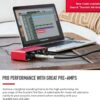


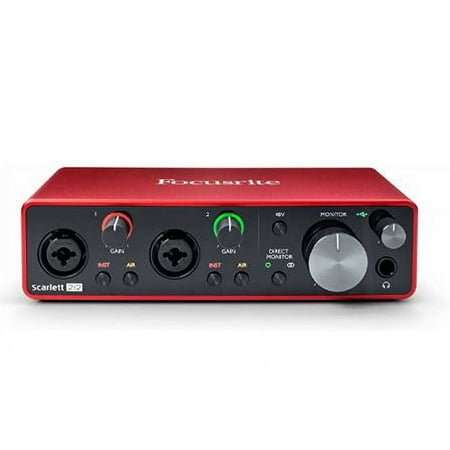
Focusrite Scarlett Solo 3rd Gen USB Audio Interface: Studio-Quality Sound for Guitarists, Vocalists, and Podcasters
Original price was: $129.99.$99.99Current price is: $99.99.
“When you click on a product link on our site and make a purchase, you’ll be redirected to Amazon.com to complete your transaction. As an Amazon Affiliate, we earn a small commission from qualifying purchases at no additional cost to you. This helps support our site and allows us to continue providing great content. Thank you for your support!”
" When you click on a product button or link on our website and make a purchase, you'll be redirected to a secure retailer website to complete your transaction. We have partner with some of the best online musical retailers. As an Affiliate, we earn a small commission from qualifying purchases at no additional cost to you. This helps support our website and allows us to continue providing great content. Thank you for your support! "
Description
Product Overview:
The Scarlett Solo (3rd Generation) is a streamlined audio interface designed for singer-songwriters craving a straightforward recording experience. While it may be the simplest model in the Scarlett range, it doesn’t compromise on sound quality. Utilizing high-performance 24-bit/192kHz AD-DA converters, it delivers the same professional-grade audio as found in its third-generation siblings. Whether you’re laying down vocals or instruments, the Scarlett Solo empowers you to achieve studio-quality recordings with minimal effort.
Key Features:
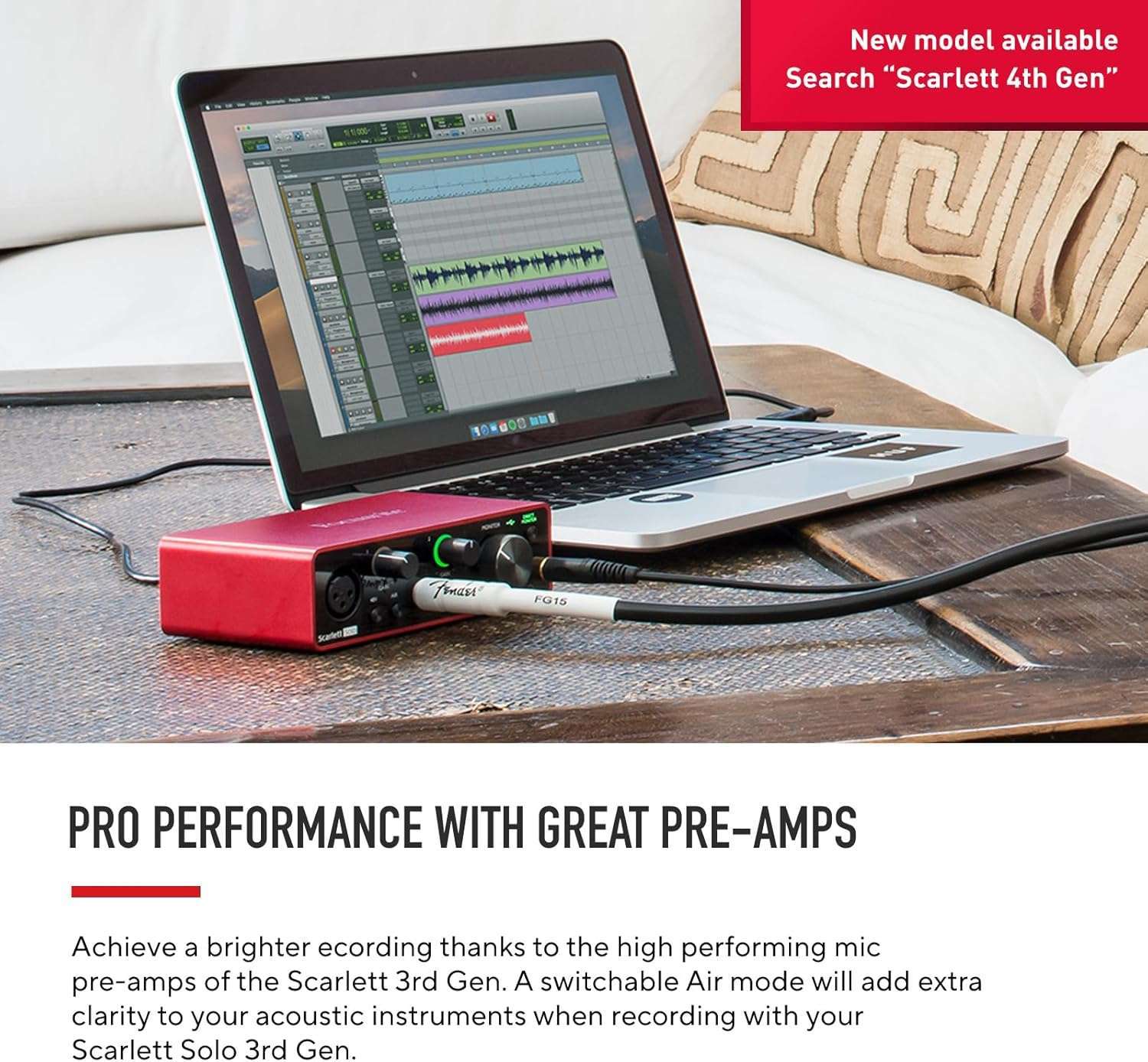
- High-Performance Mic Preamp: Features a third-generation Scarlett mic preamp with a switchable ‘Air’ setting that emulates the classic ISA mic preamp, enhancing vocal recordings with a brighter and more open sound.
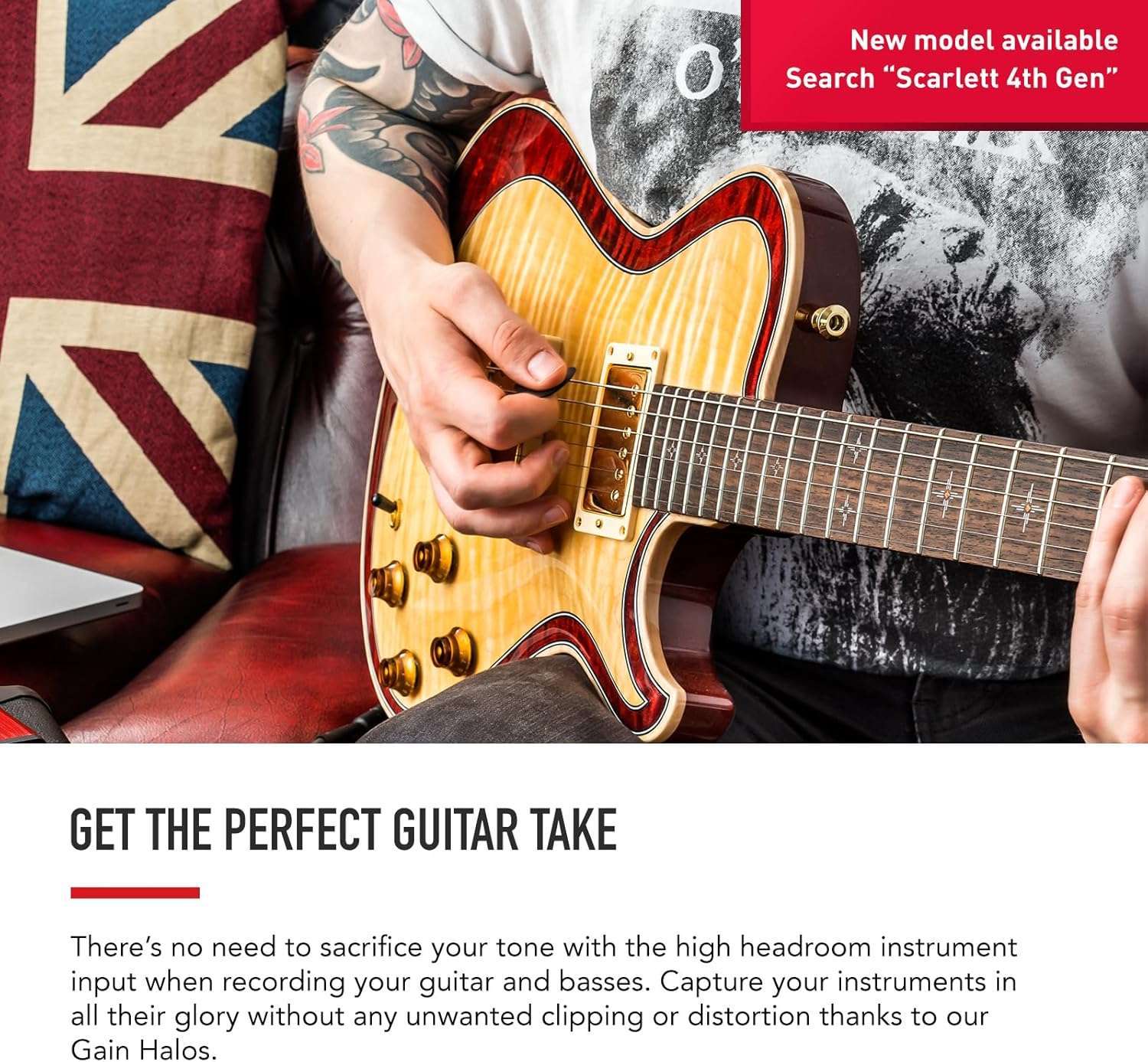
- Instrument Input: High-impedance, high-headroom input designed for electric guitar or bass recording, free from unwanted distortion or clipping.
- Gain Halo Metering: Visual feedback makes it effortless to set the perfect input levels for recording.
- Balanced Outputs: Ensures clean, hum-free audio playback through studio monitors with balanced inputs.
- Portable and USB-Powered: Connects directly to a Mac or PC via USB cable, requiring no external power supply—ideal for mobile recording setups.
- Software Bundle: Comes with the Hitmaker Expansion package and industry-standard DAWs like Ableton Live Lite and Avid Pro Tools Intro+, providing all the tools necessary for professional recording and mixing right out of the box.
Pros:
- Exceptional sound quality for both vocals and instruments
- User-friendly setup and operation
- Portable design with USB power compatibility
- Comprehensive software package included
- Durable construction suited for travel
Cons:
- Limited to a single mic preamp, which may not be suitable for complex recording setups
- No MIDI input/output for connectivity with MIDI devices
Customer Feedback: 5-Star Rating
Customers have overwhelmingly praised the Scarlett Solo for its pristine sound quality and ease of use. Many appreciate the intuitive interface, which makes it accessible even to those new to home recording. Users have also highlighted the excellent value provided by the bundled software, noting that it offers everything needed to start recording right away. While some have pointed out the lack of additional mic inputs as a limitation, they agree that for solo artists or those recording one track at a time, the Scarlett Solo is an excellent solution.
These reviews are about audio interfaces, specifically the Focusrite Scarlett series, including both the 2i2 and 4i4 models. Here’s a summary of the key points from these reviews:
-
Overall Performance and Satisfaction: Most reviewers gave high ratings, generally 5 out of 5 stars, indicating strong satisfaction with these audio interfaces. The devices are praised for delivering excellent sound quality, having low noise, and being simple to use.
-
Features and Compatibility: Reviewers highlight the compatibility with various setups, such as musicians, podcasters, and content creators. The Focusrite Scarlett 2i2 supports Linux (Kernel 6.8+), and works with software like Pipewire and Amplitube5. It’s appreciated for being feature-rich and offering excellent customization for audio mixing.
-
Durability and Build Quality: Some reviews mention the sturdy build quality, even surviving drops and water spills without issues. However, one reviewer raised concerns about insufficient packaging protection during shipping.
-
Setup and Usability: While the setup process is deemed straightforward by many, some reviewers noted the lack of clear initial instructions for installation and first-time setup. The absence of physical mixer knobs for certain controls was cited as a drawback.
-
Reliability and Issues: A minority of users faced occasional glitches that required power cycling the device to resolve. There’s also mention of needing to connect active power due to the power requirements when used with multiple devices.
-
Price and Value: The products are deemed to offer excellent value, performing well beyond their price point, and are considered reliable tools for both amateur and professional settings.
- Criticisms: A few minor criticisms include occasional glitches, packaging concerns, and a somewhat steep learning curve due to the lack of explicit guidance during setup. Additionally, the limitation on the number of preamps was noted for the 4i4 model.
Overall, Focusrite’s Scarlett series is highly recommended for its sound quality, versatility, and build, with some minor caveats regarding packaging and setup instructions.
12 reviews for Focusrite Scarlett Solo 3rd Gen USB Audio Interface: Studio-Quality Sound for Guitarists, Vocalists, and Podcasters
You must be logged in to post a review.
Related products
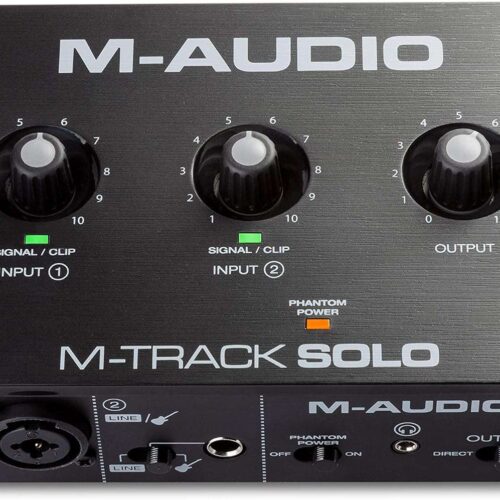

Behringer U-Phoria UM2 USB Audio Interface
Original price was: $43.90.$35.00Current price is: $35.00.

Focusrite® Scarlett™ Solo 3rd Generation USB Audio Interface
Original price was: $149.99.$119.99Current price is: $119.99.



Daniel –
Great, Simple, Feature-Rich
This audio interface works extremely well, it handles output and input which has helped me with using a KVM to switch between devices connected to this interface. Just note that I needed to use the active power of the KVM (connecting it to power other than the USB power it normally receives) since the power requirement exceeded the KVM’s capabilities once the webcam, interface, keyboard and mouse were connected and active at the same time.This works on Linux as well, but requires kernel 6.8+ and can be used with the neat features it provides through a fan / community-made project called alsa-scarlett-gui. I also found it worked with Pipewire and refused to work with PulseAudio.With all the features, it’s completely configurable as to how it mixes different inputs and how it handles output and input streams in general. I was even able to create custom setups (that I could export and import whenever I needed them) to double amp my microphone in those rarer situations that required it. If I wanted to, I could even triple amp or quadruple amp if I’m willing to give up the ability of mixing in PC audio.The only thing that’s unfortunate is that I can’t control the mixer from physical mixer knobs, only the 2 input adjustment knobs.
AK –
definitely the one to get
I recently got the Focusrite Scarlett 2i2 (3rd Gen) Audio Interface, and I have to say—it’s been a game changer for my recording setup. Whether you’re a musician, podcaster, or content creator, this little device delivers amazing sound quality and works flawlessly. It’s super easy to use, and the audio comes through crystal clear, making every recording sound professional. If you’re looking for a reliable interface that won’t let you down, this is definitely the one to get!
Peter Sobczak –
Excellent product but shipped like a brick
Scarlett 2i2 4th Gen USB – I love it. I am using a long line of multiple 2i2 devices from Gen 1, Gen 2, Gen 3 for years. I am happy with all of them. Very good built quality, plain, low noise, low distortion. They all meet manufacturer specifications. No inflated claims like some manufacturers do. Each model had some tiny glitches that did not affect my experience. So my expectations are high on 4th Gen. A box arrived quickly. I opened it and realized a box has no protecting layer to soften shocks, blows during transportation. Just over box inside of almost identical, only slightly larger box! This experience was not a good welcome to me. I believe such packaging of any electronics reduces product reliability. Didn’t you see how sometimes drivers drop packages on concrete floor? So I almost feel like getting used product, am I too sensitive about it? Alone in my opinion such product should have some shock absorbing layer of foam material or air bubbles sheet?After opening a box I see a piece of paper printed with miniature characters. Microscope could help… But no guidance here how to get the first steps. Only warnings in very many languages. As I would need all this, very high priority to manufacturer but not to me! I think this excellent product has new functions that a purchaser is not familiar with. It would be highly beneficial if a a small hard card size like 2-3 business cards shows briefly what happens when each of new controls used. OK, I can find it in pdf user manual, but I don’t want to print user manual for one of 15 models audio interfaces I have. So I will work with audio recordings while scrolling through pdf file, at least till I am familiar with all this product offers. After such observations I wish to get to recording… And pdf file does not tell clearly up front that utility program is actually a driver. I have to spend time to learn it. This is the very first item to perform after purchase, but info is written among other content, not up front. I want to install utility program but no info provided if 2i2 Gen 4 should be connected or not, during installation. I learn here I should go to the internet, manufacturer’ webpage and get information how to proceed. A suggestion is strong – identify yourself first! So you can get audio recording software. But I don’t use the internet on sacred computers. I don’t wish to be exposed to Spyware and threats from Microsoft like this one: You paid for our Office Suite, but we make it stop at our convenience under pretense we check if you are the correct user???? So I will to install a driver only, no suspicious activities and forced “updates”, no spyware on my precious computer. How do I proceed considering above? I loaded needed file on another computer, copied it to one working with 2i2 Gen 4. It works fine that way. The utility is just sampling rate changing program combined with a driver, at least on my computer. Nothing else. A device works well, nothing wrong. I enjoy it from that moment. I don’t need extra programs for musicians.Now most enjoyable part – distortion and noise testing. Both are excellent low, exactly as shown on specifications. I really enjoy low noise that is closer now to that of higher grade Clarett+ noise. Regarding distortion, Clarett+ has specs about 0.0003% while Scarlett 2i2 spec is around 0.001% for all generations 1, 2, 3, 4. Truly excellent product here, amazing performance for $200 and this product is far ahead of other USB audio interfaces I used before. Important to me is the fact it can work with no AC/DC power adapter. Through my career I experienced scenarios that noise reading was lowest if USB audio device was powered through USB cable. Then noise reading was even slightly better if power supply disconnected from laptop. The noise reading was consistently worse if given USB audio interface AND laptop used both AC/DC adapters. The difference could be a few dB but sometimes noise spikes were 10dB and more above noise floor, depending how clean was power line, individual wall outlets. I will check later 2i2 Gen 4 on that noise immunity and will update my review.In terms of reliability, all earlier Scarlett 2i2 I used full time worked a minimum of 5 years. If something wrong happened, it would be in the “abuse” category like frequent plugging, unplugging in, out cables with ESD damage maybe. Or connecting to multiple other devices powered with AC/DC adapters and no isolating transformers between. I am a laboratory user, not a musician, so different considerations, scenarios. Scarlett 2i2 Gen 4 is a great tool now for my audio experiments, audio test fixtures, audio signal measuring / analyzing setups.5 stars, but no 5+ due to less perfect packaging with less perfect protection against abuse in transit.
lily –
Great Audio interface
Works well with my SM57. Dropped it on the floor by accident and spilled water on it and still sounds great. Decently sturdy it seems. Definitely worth money.
Dave –
Works great most of the time
Overall very happy with the 4i4. It only has 2 pre-amps so you cant connect 4 mic/instruments, only two. The other 2 must be line level. It occasionally glitches out and starts making noise and I have to power down and power it back up again. The midi input is nice. Set up and software is simple. It may be worth considering Presonus or others I didn’t try.
Amazon Customer –
Simple to use, and good quality!
I am new to amp Sims and found out about amplitube5 and was amazed. I got all the equipment needed to use that software.A decent pc laptop, the software, then the interface. The first interface I got was this Amazon brand that had those weird names like fyhhikklpssa (jk), and it would work for the software, I got this focusrite interface and it worked with no issues. Now I’m able to play my guitar on my computer thanks to this interface! I love it!
Joyce Davis –
classic audio midi interface
I love this classic audio midi interface. It is easy to use and setup, works well with recording apps and meeting apps on my laptop. natural sound quality, low noise, and low distortion.
Ayush S. –
Just awesome
ALİ –
Çok iyi
Adam –
I’m using this to record mediations using an audiotechnica mic with FL studio, it works well and I’ve had no problems , although sometimes it needs to be restarted but I’m not sure if that’s fl studio glitching or the device
Wellington –
Não é possível usar microfone no canal 1 somente 2 canal
Yaron Elmaliah –
Very good entry point into audio interfaces. The included software and video tutorials are great to get you started. As a bonus, audio through this sounds better than directly out of the pc.